
Describe what you want
A sentence or two about the subject, scene and style. To change an existing picture, upload up to 4 reference images.
Turn a sentence into an image with GPT Image 2 — upload a reference image and it can edit that too.
Works in your browser — nothing to install
Describe a picture, or upload reference images and say what to change. GPT Image 2 makes one image per run.
Text to image
Write what you want to see and get an image
Six common uses, each image shown with the prompt that made it
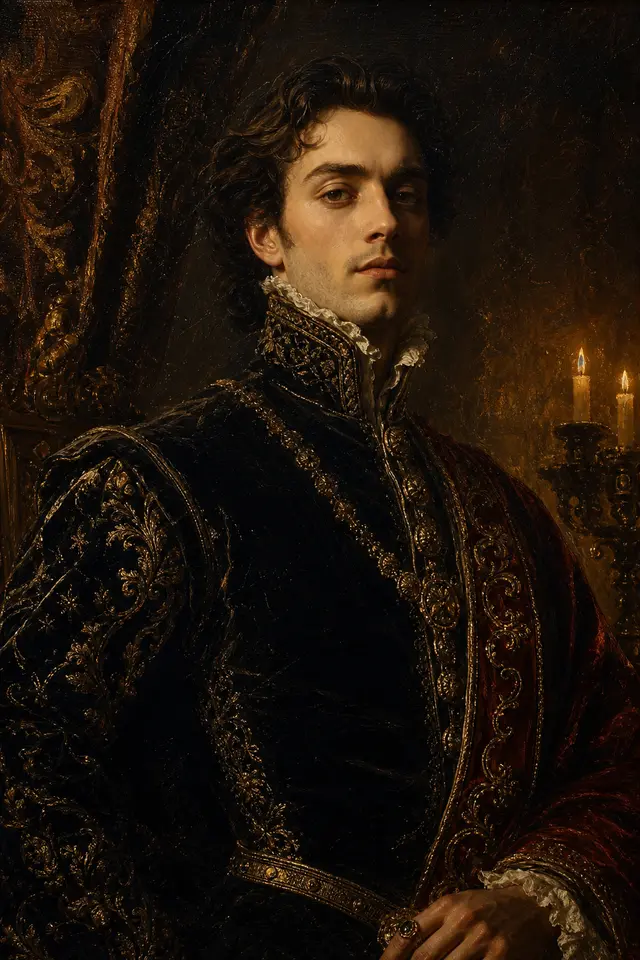
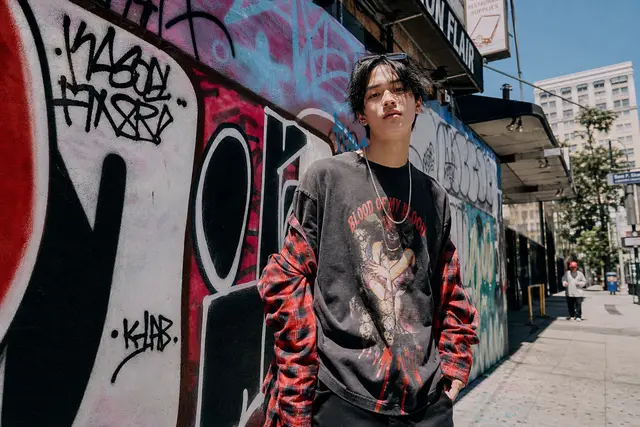
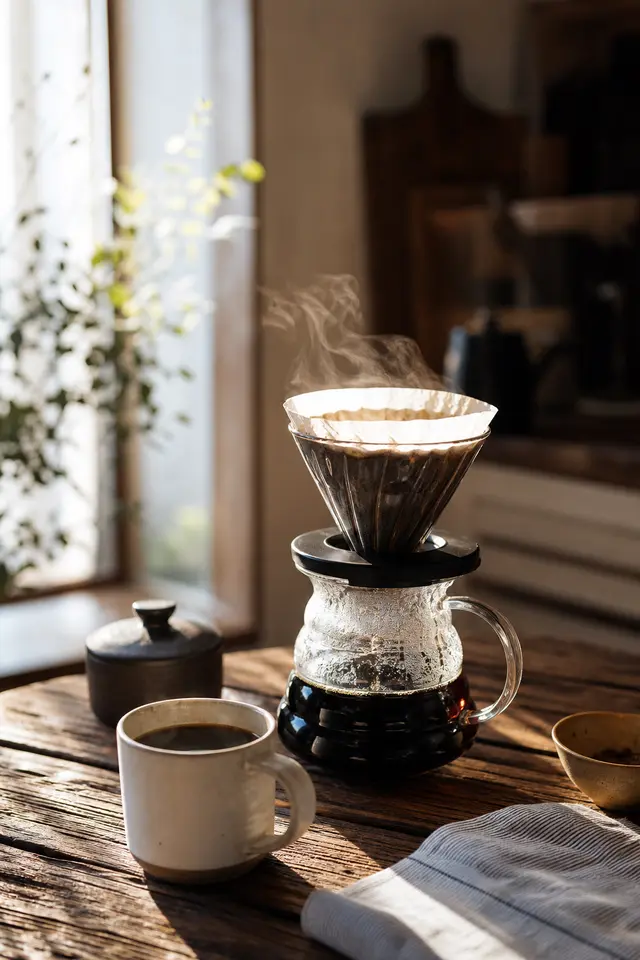
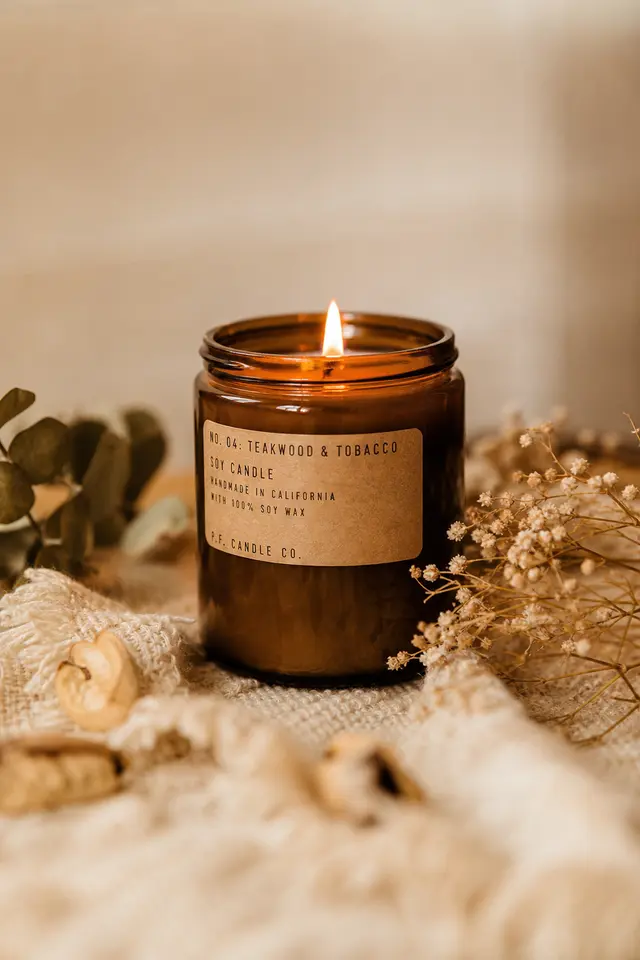
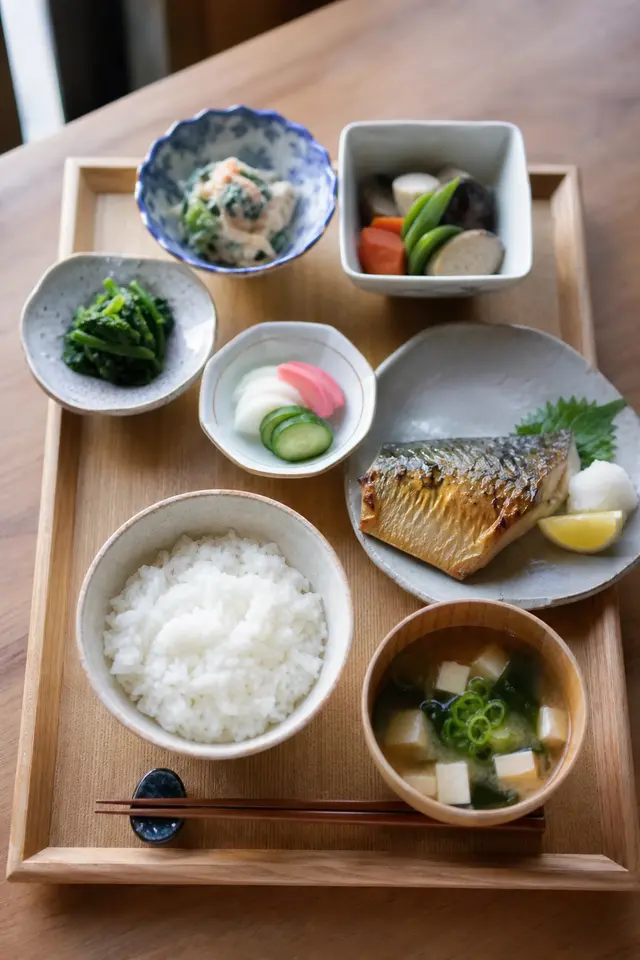
Spell out the lighting, lens and skin texture — window light, Rembrandt lighting or a street snapshot — and the picture follows your description.
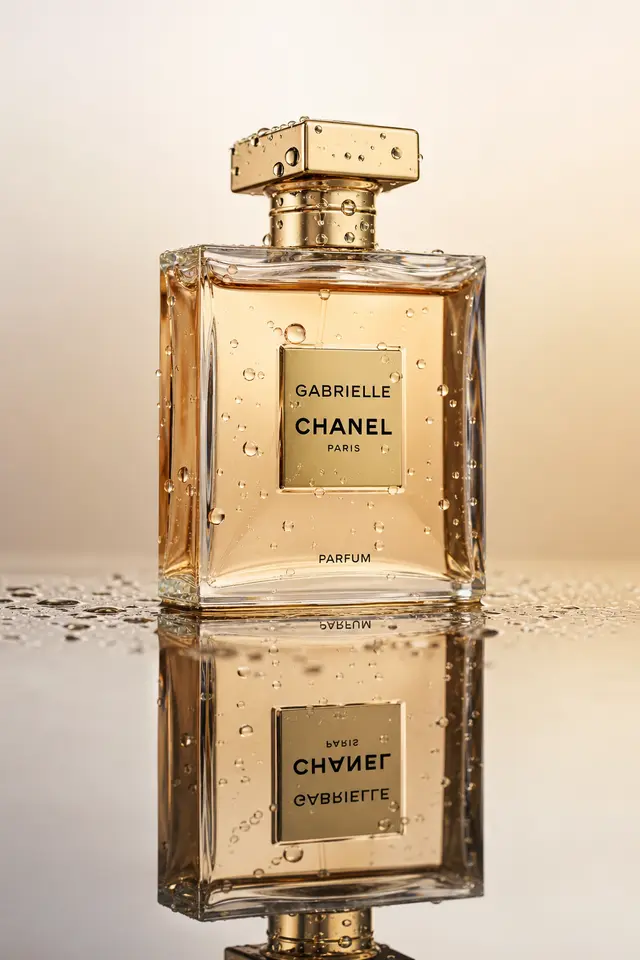
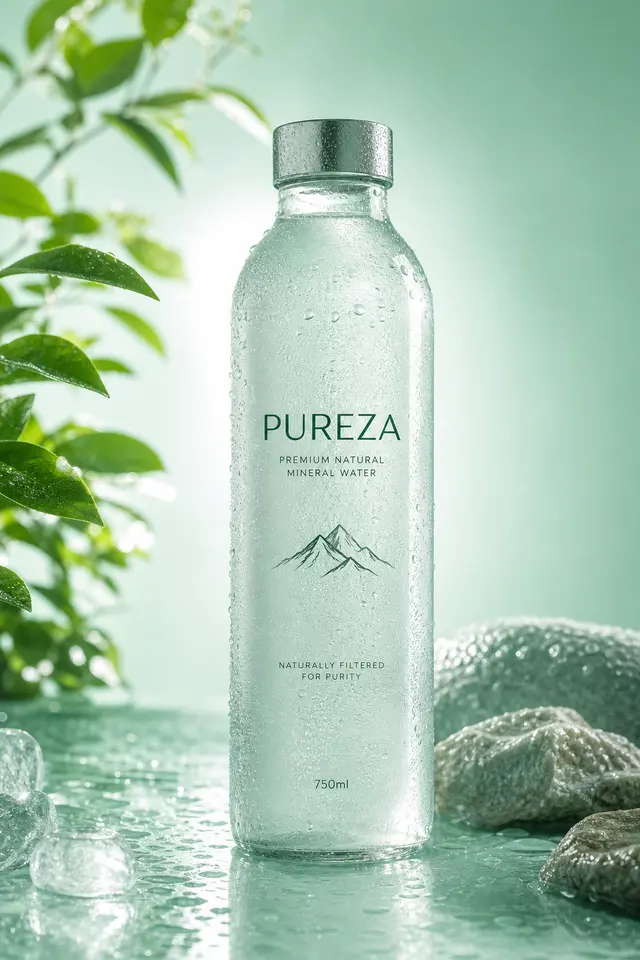
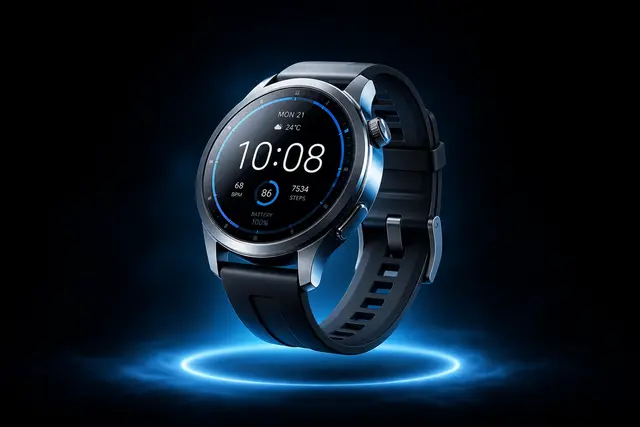
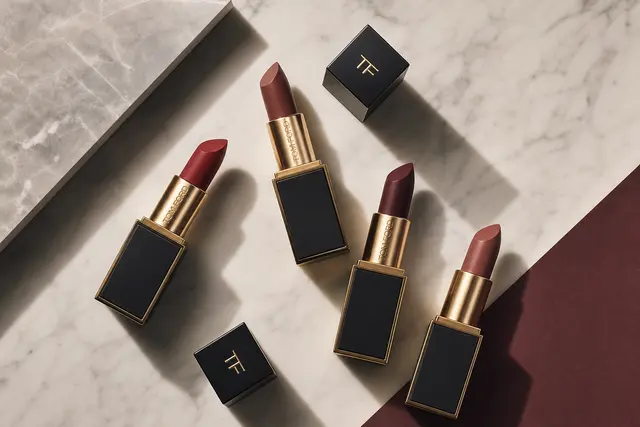
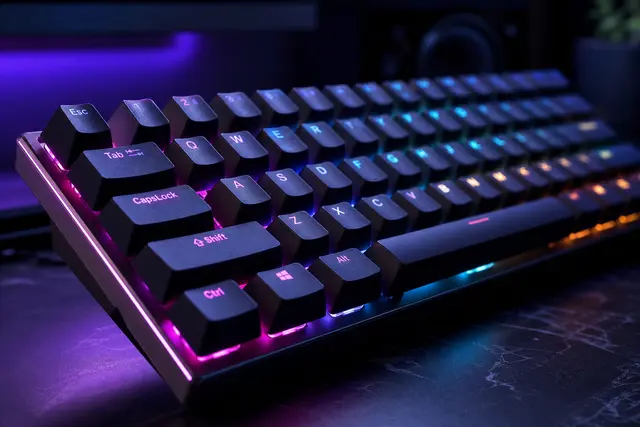
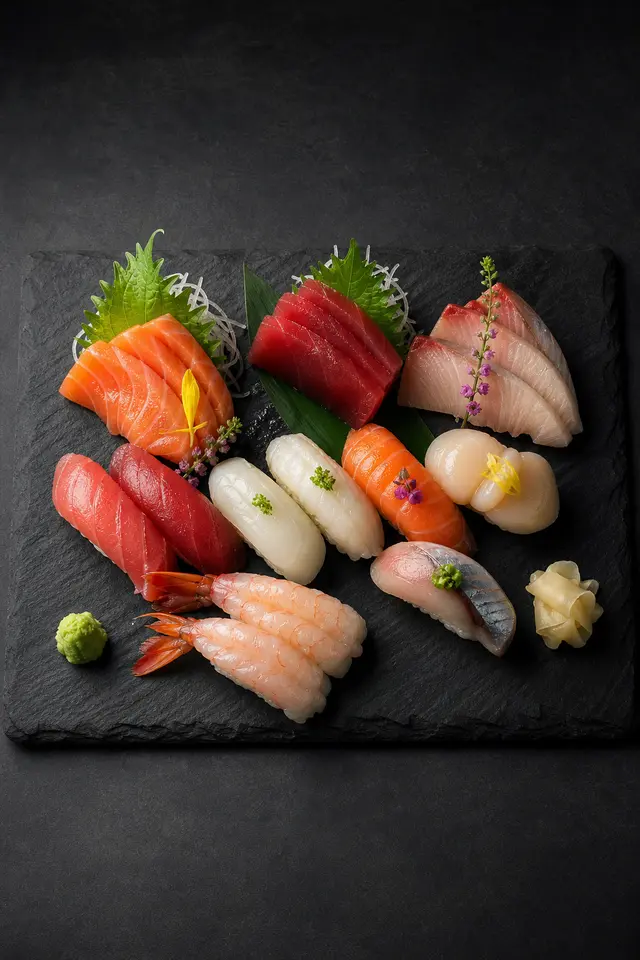
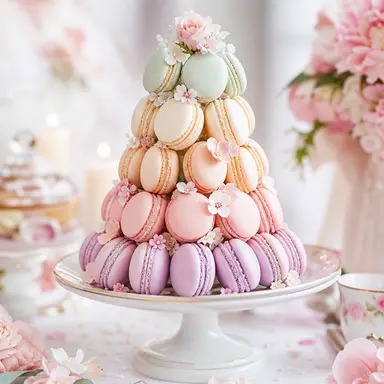
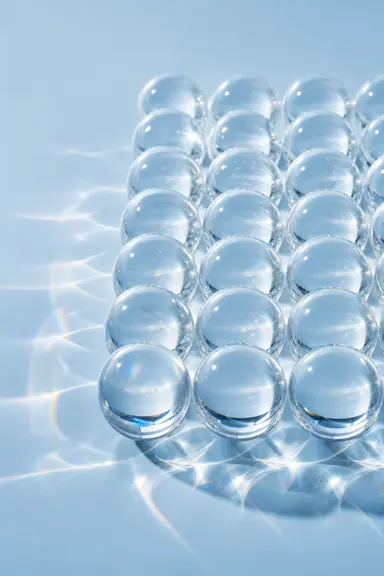
Describe the material, surface and lighting to get clean product images for a product page or a poster background.
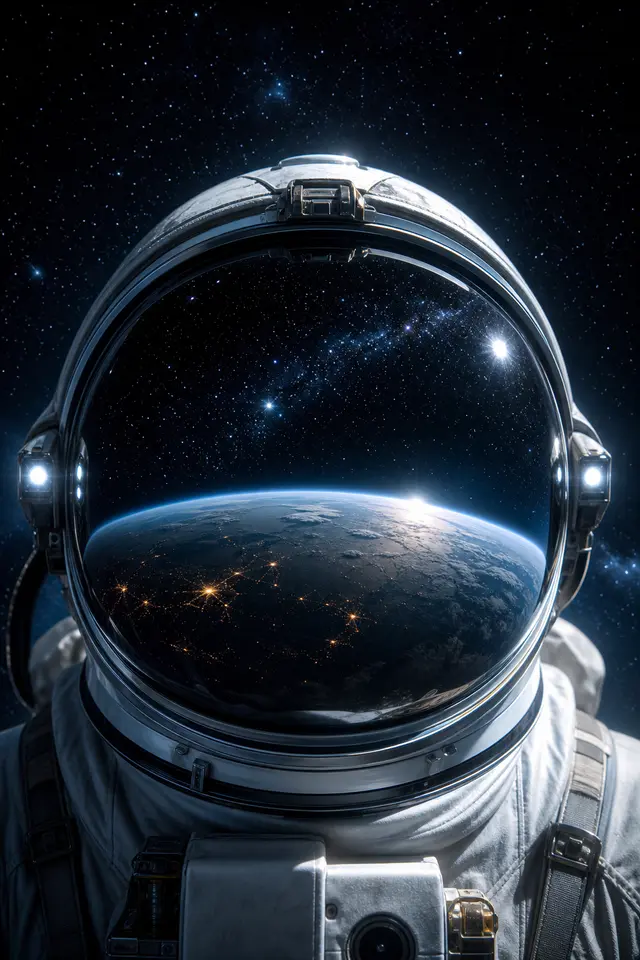
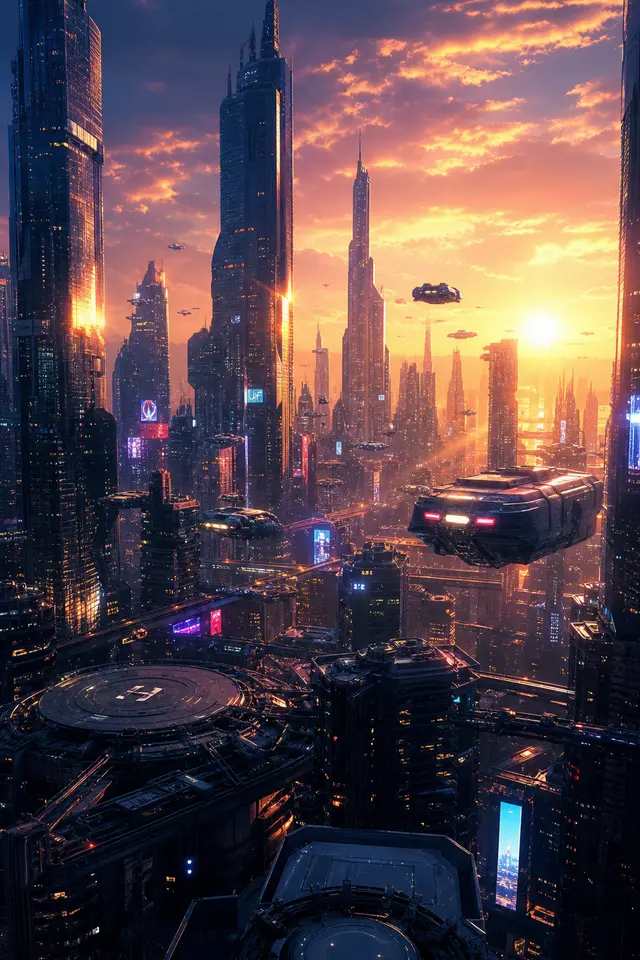
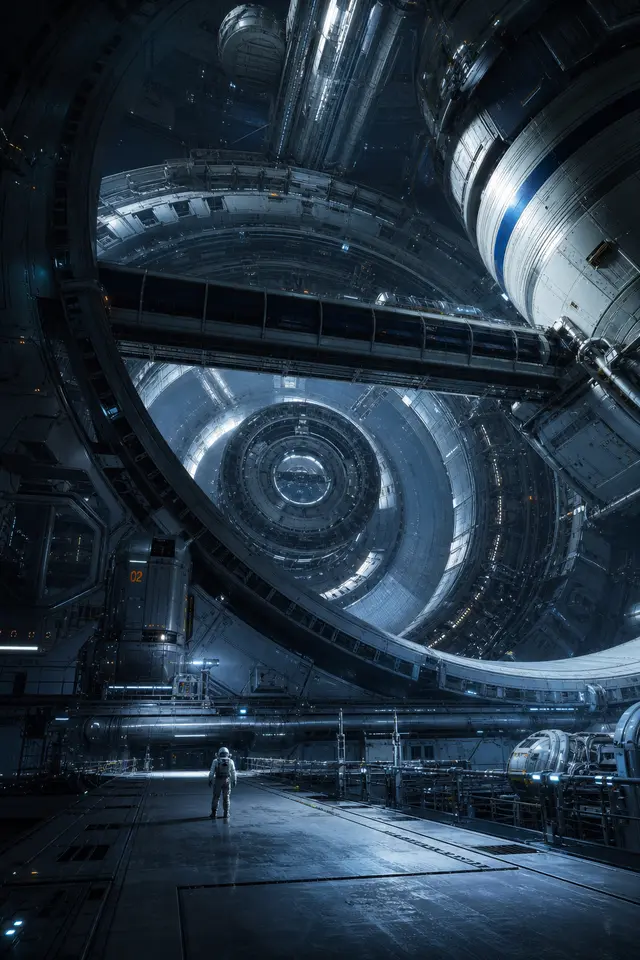
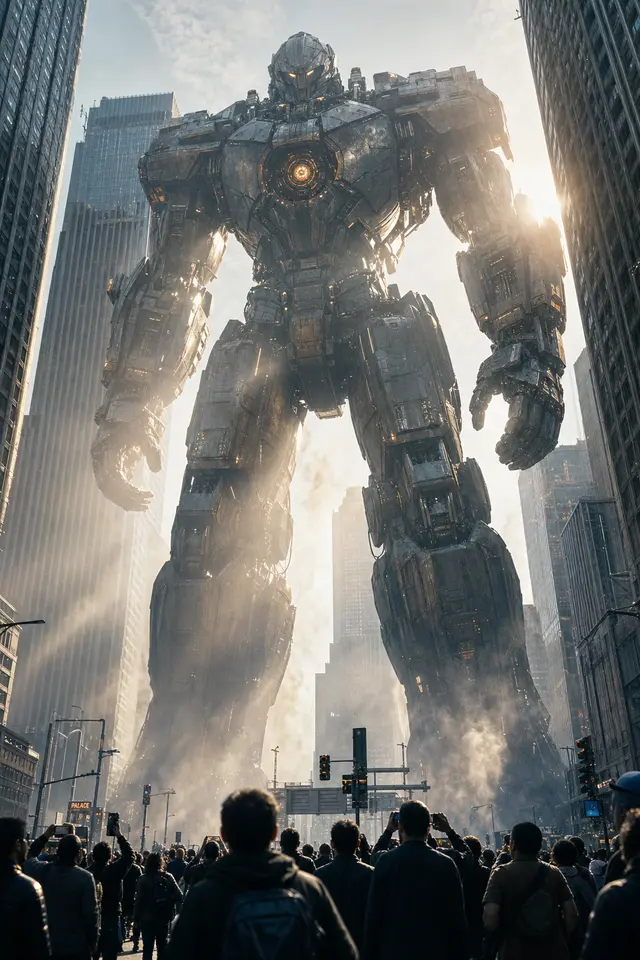
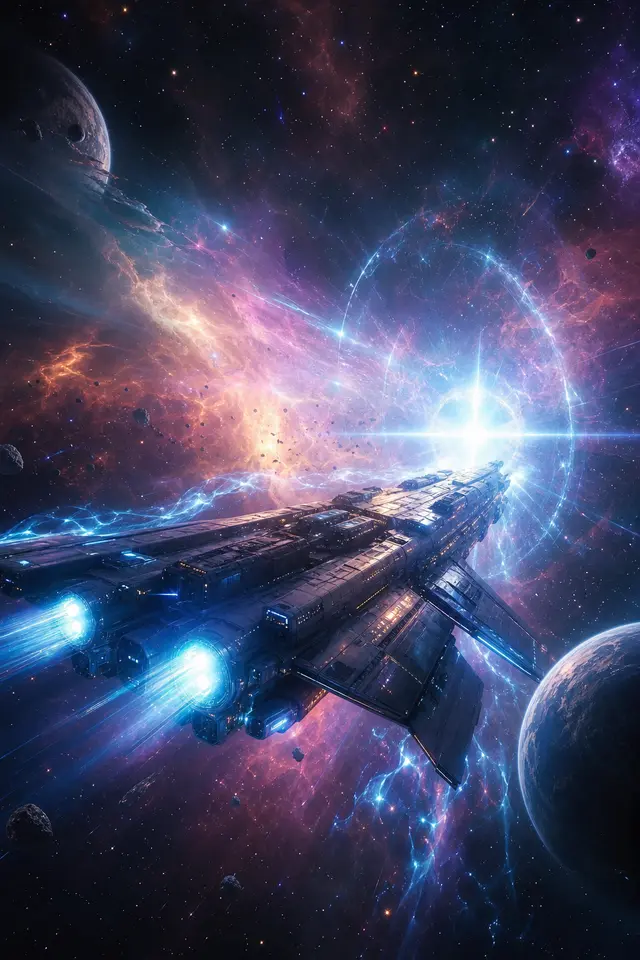
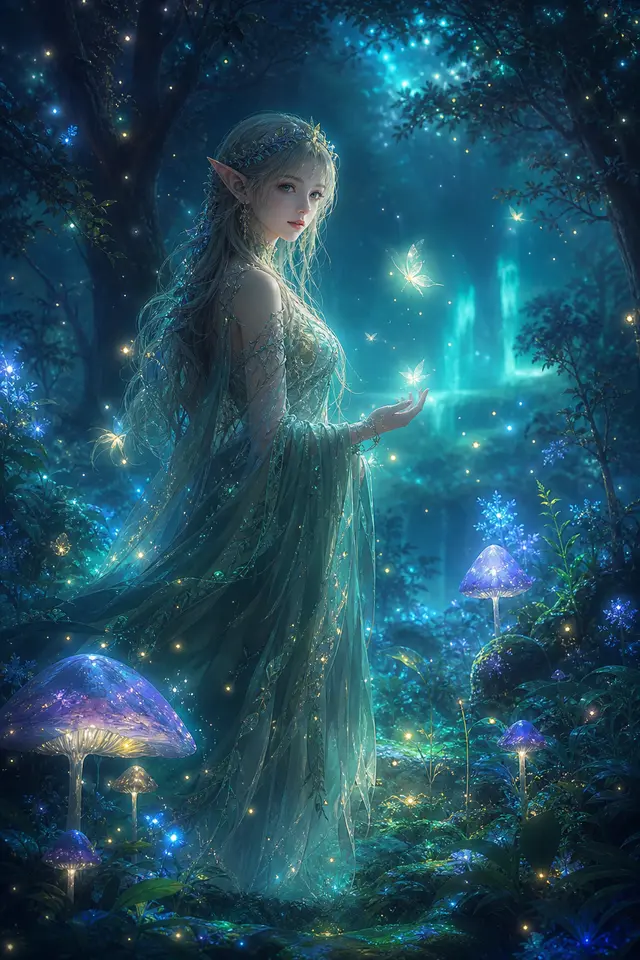
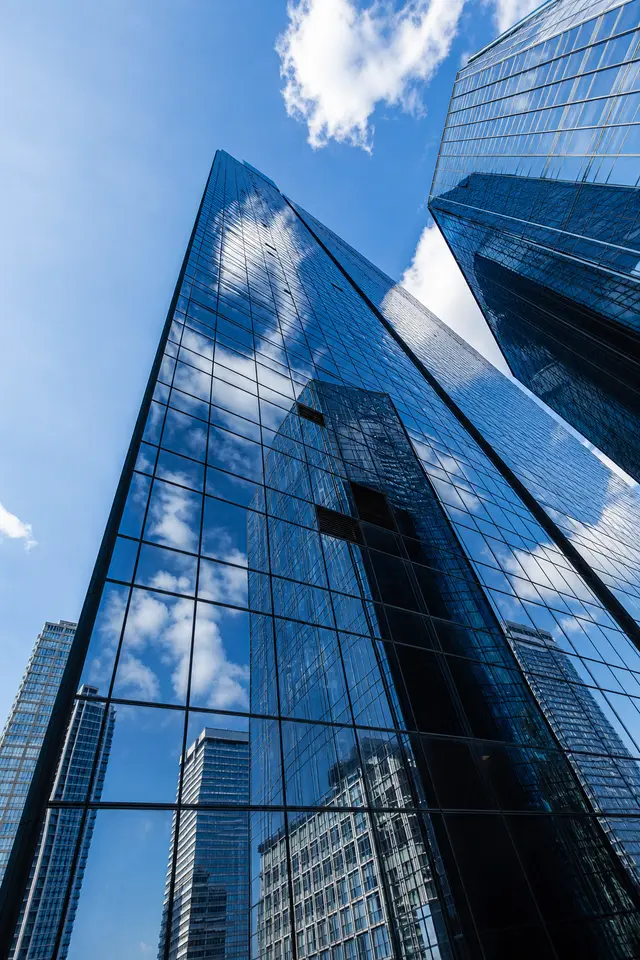
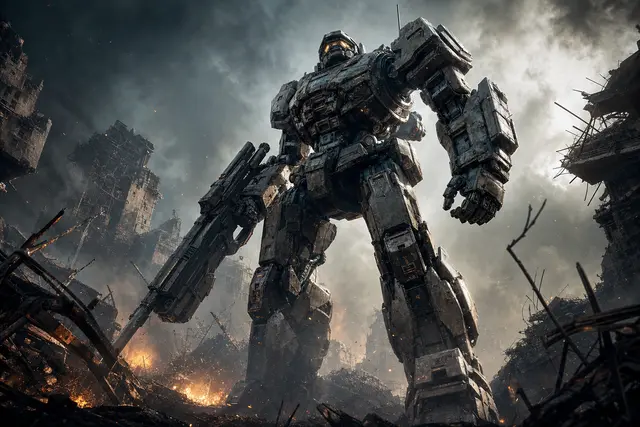
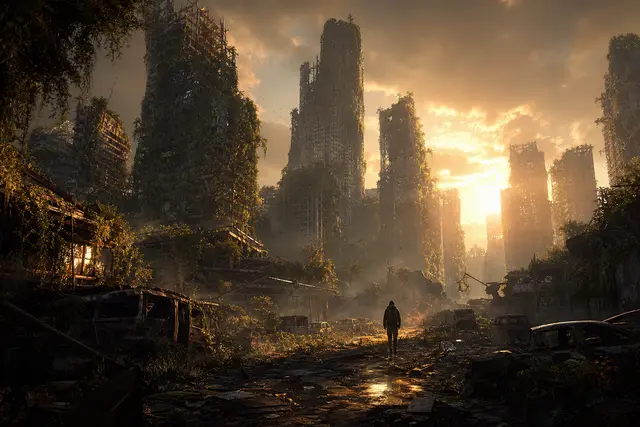
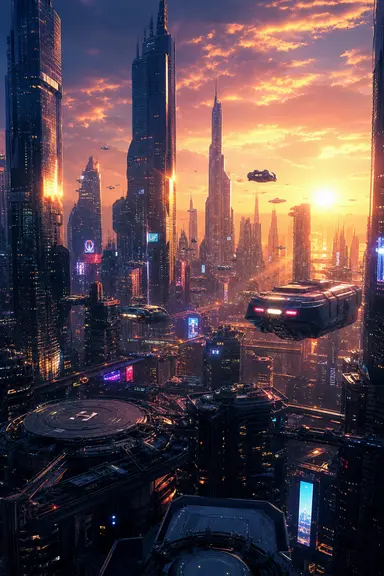
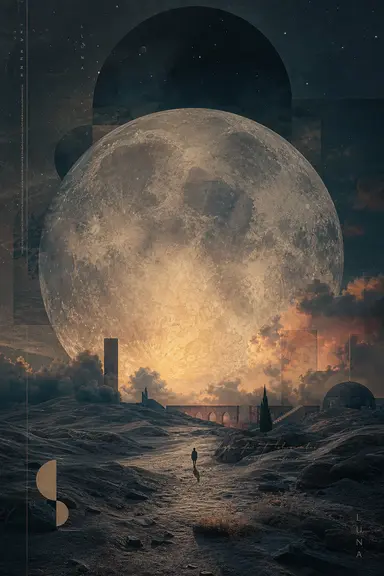
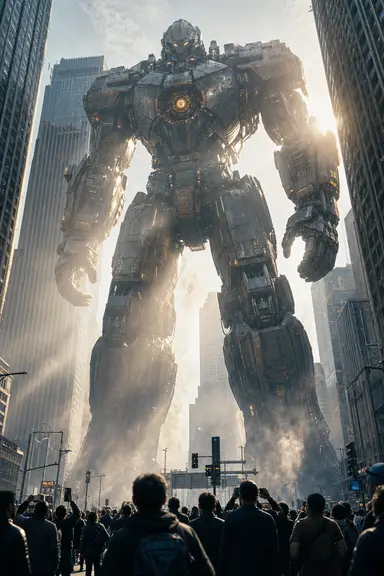
Cities, mechs, starships, wastelands — a few sentences about the scene and mood give you a concept image fast.
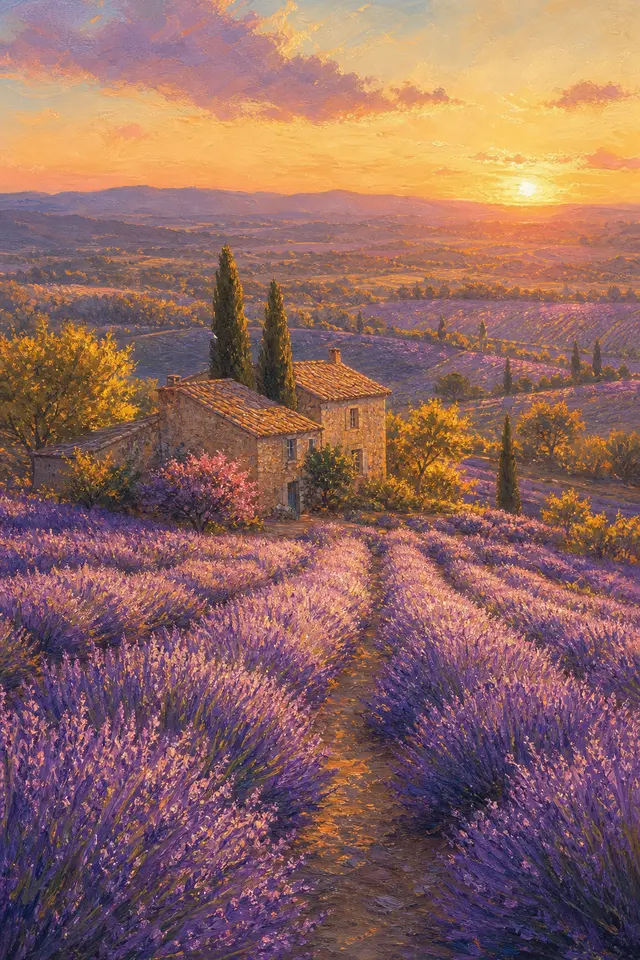
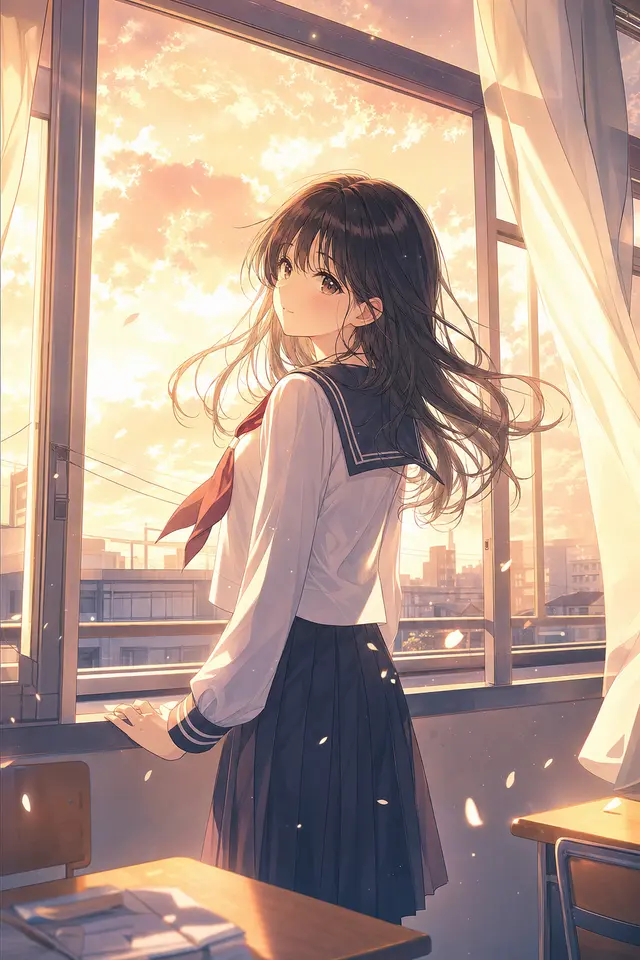
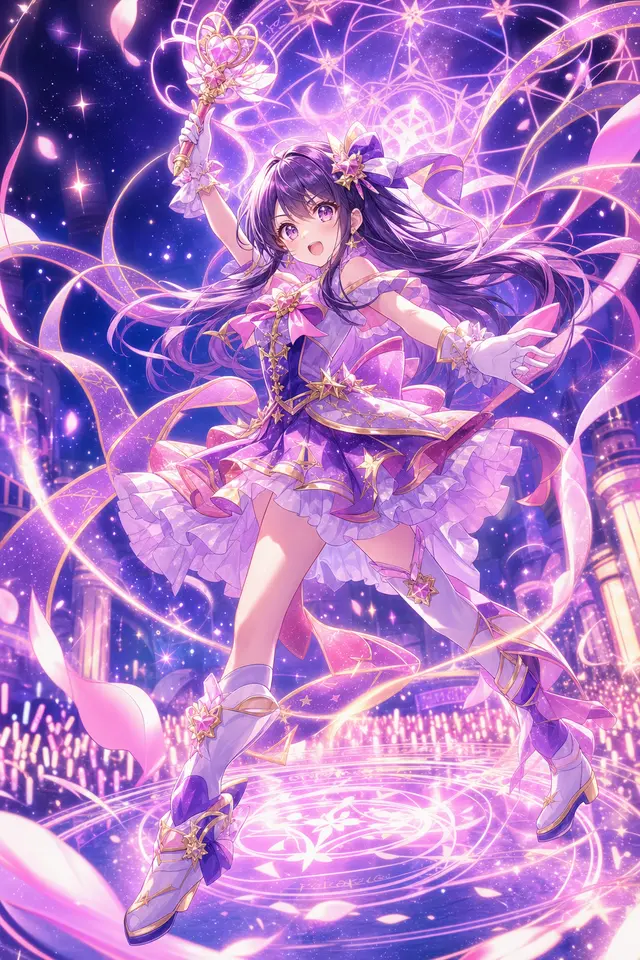
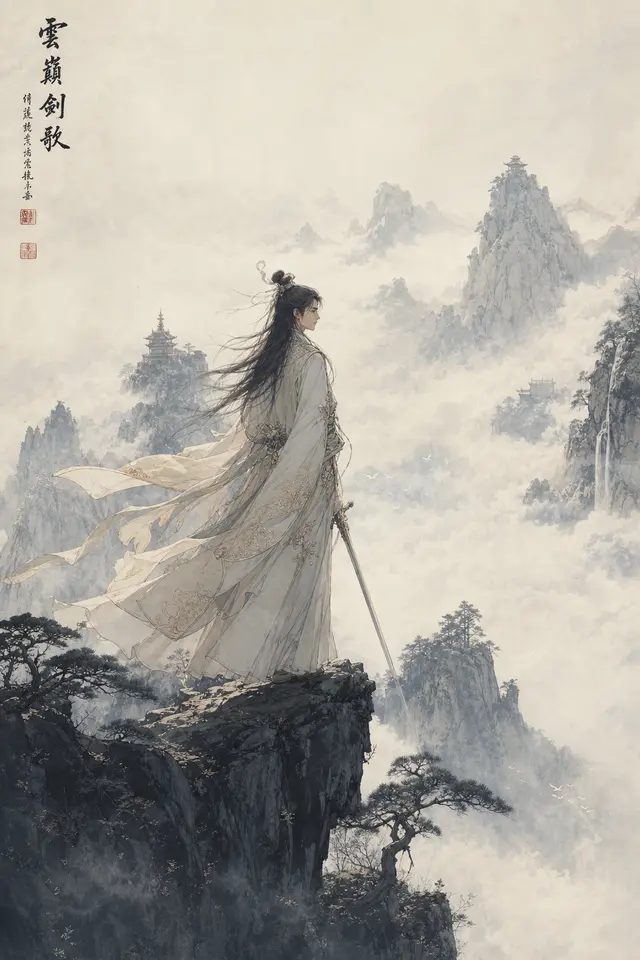
Cel shading, watercolor, pixel art or Chinese gongbi — just name the style in your prompt.
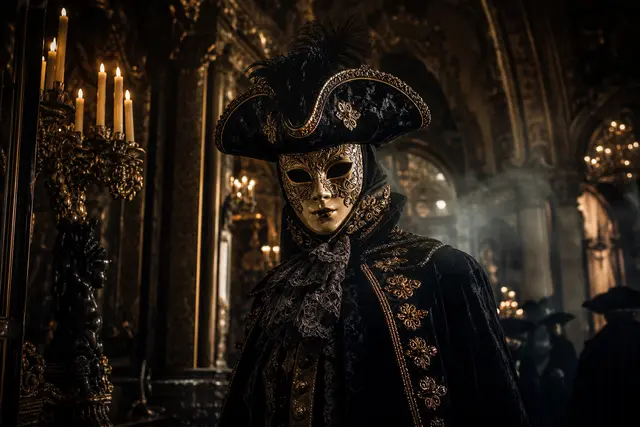
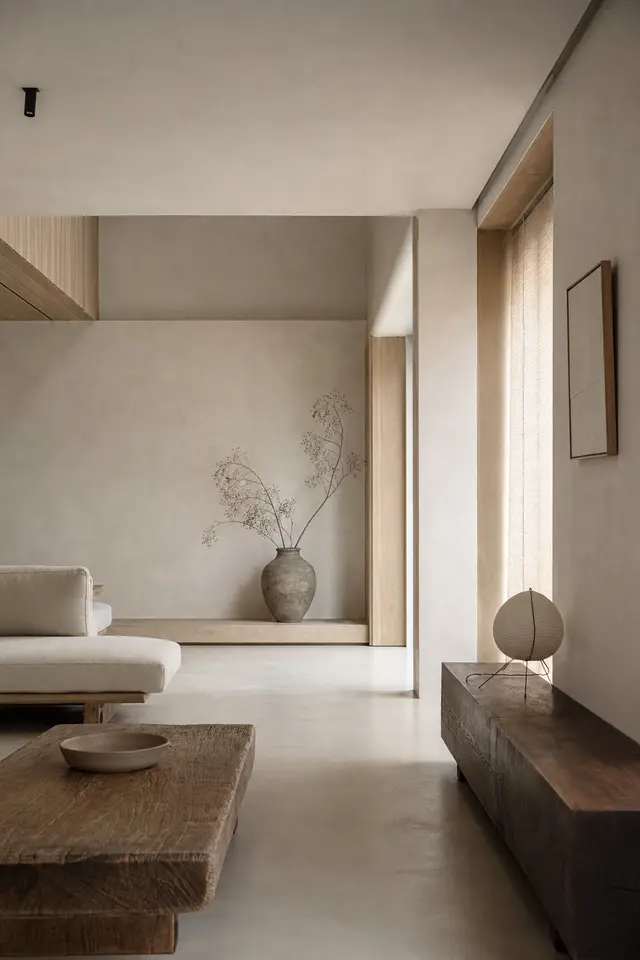
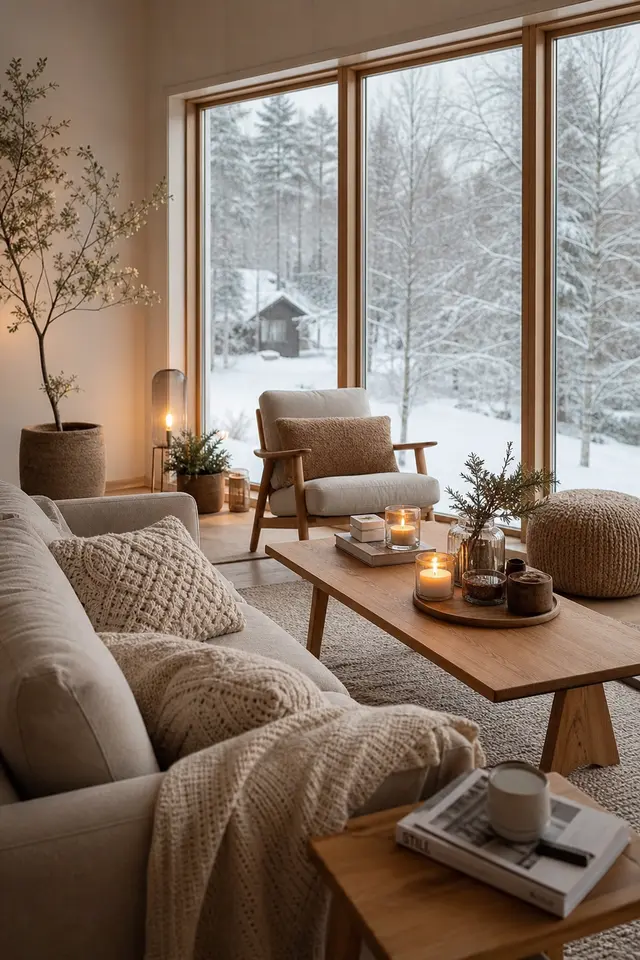
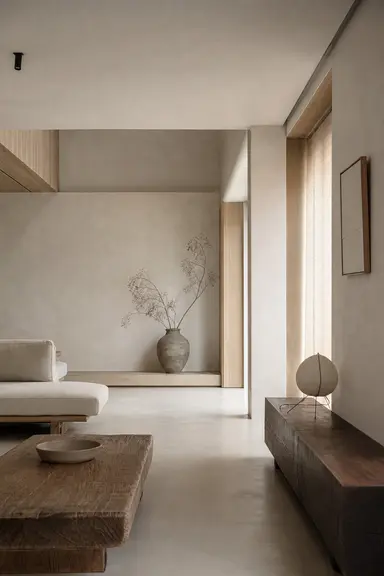
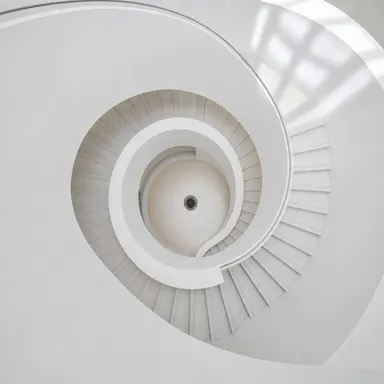
A wabi-sabi living room, a minimalist villa, a cathedral vault — describe materials and light to get a spatial mood reference.
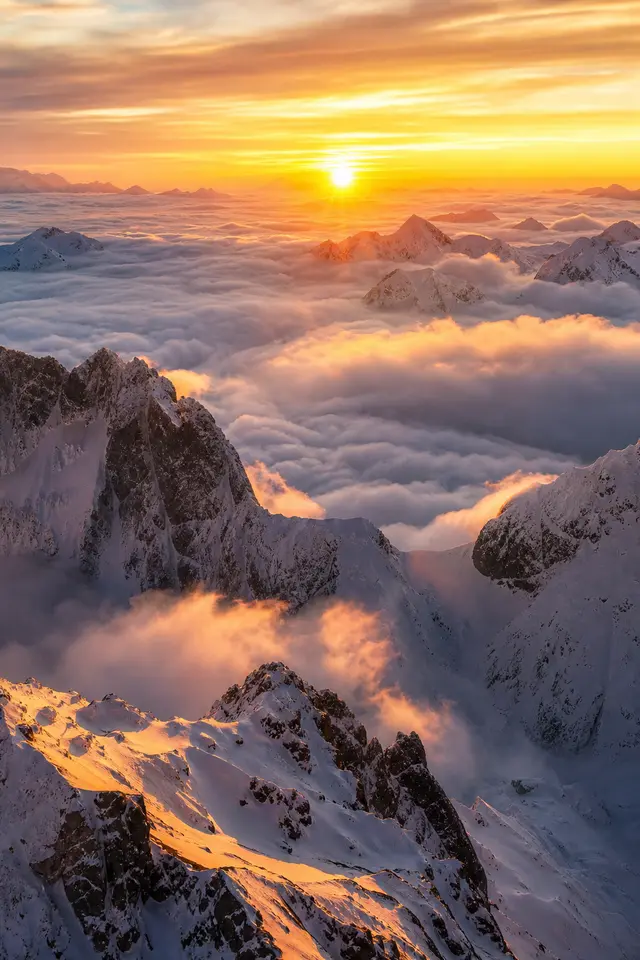
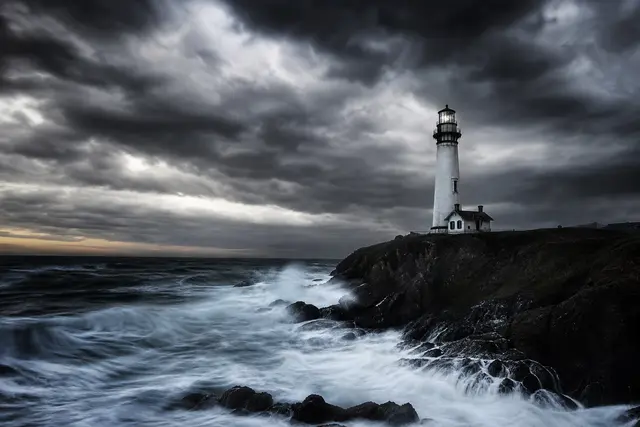
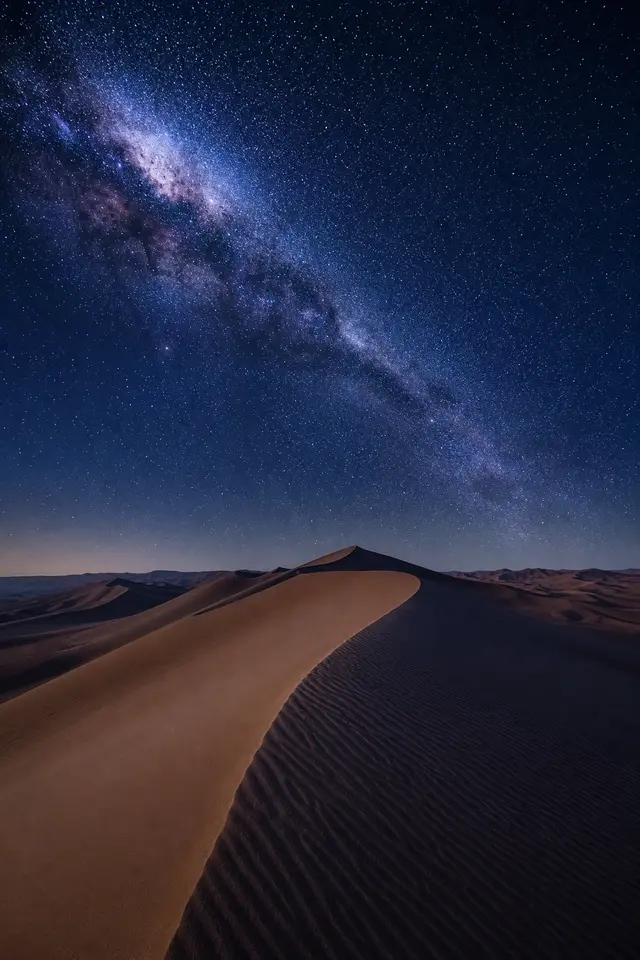
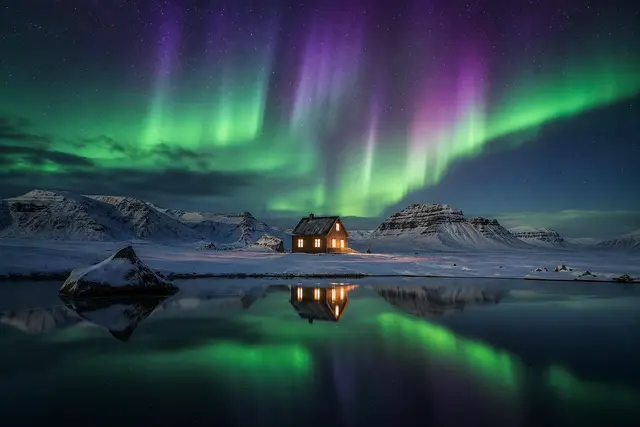
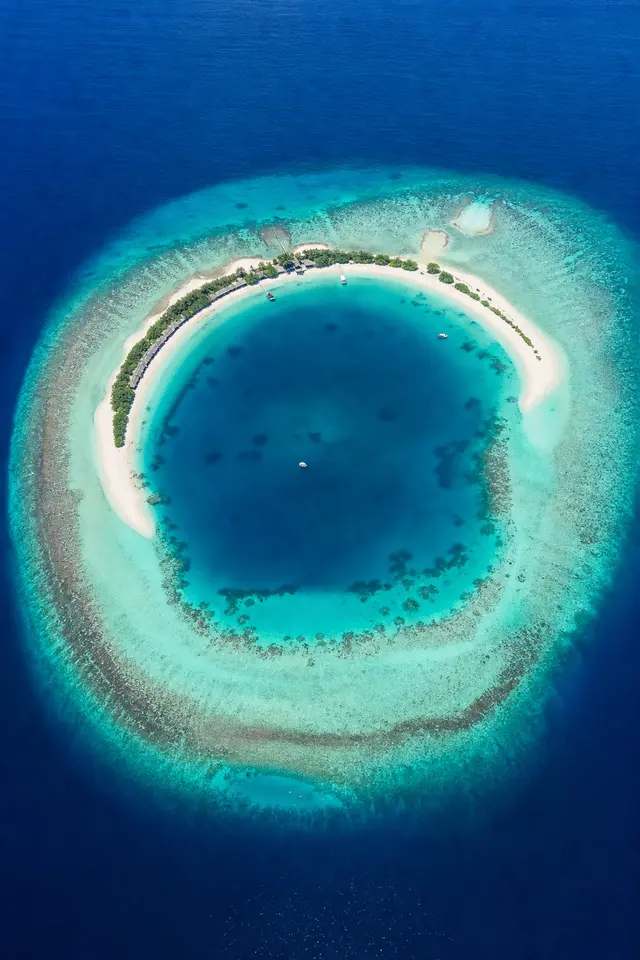
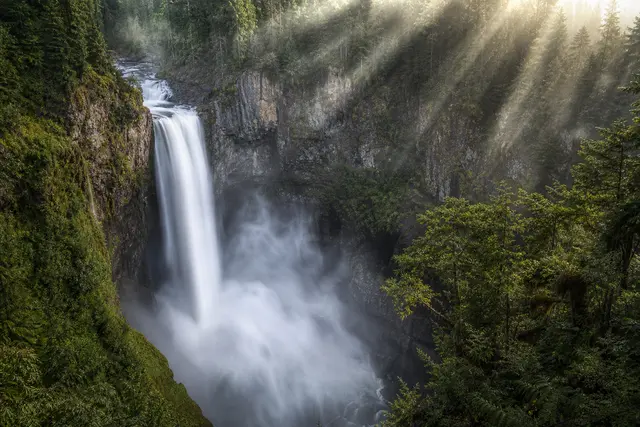
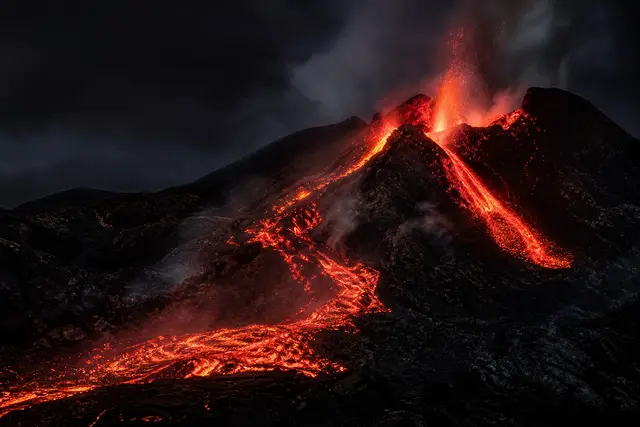
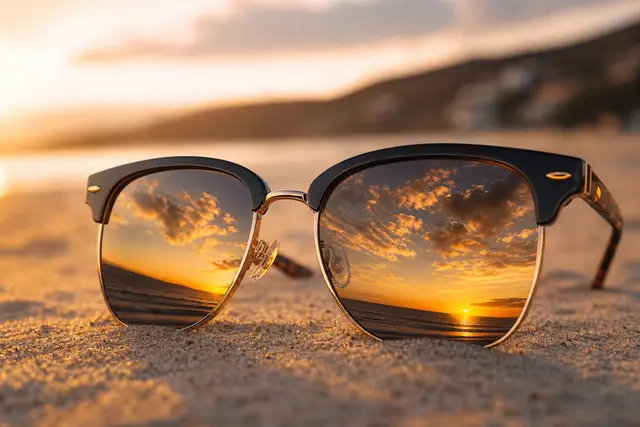
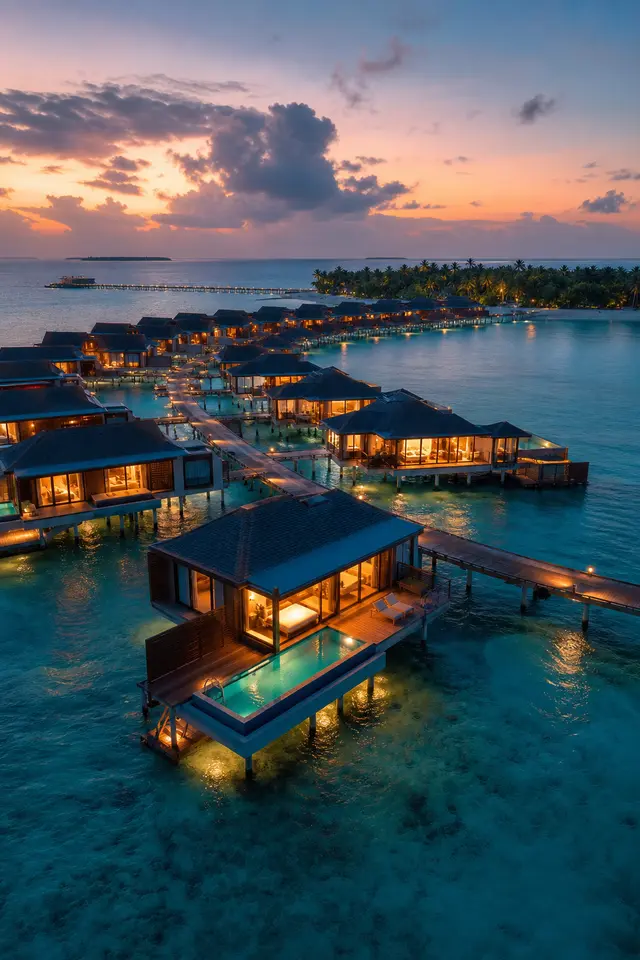
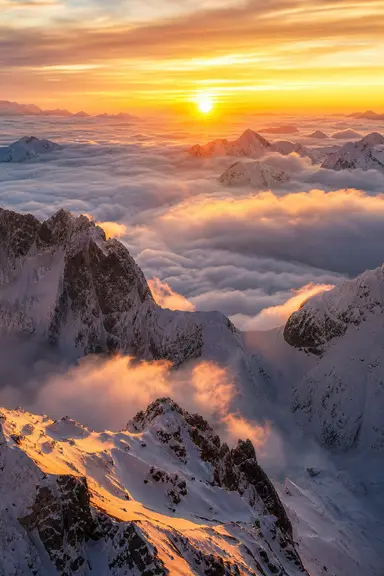
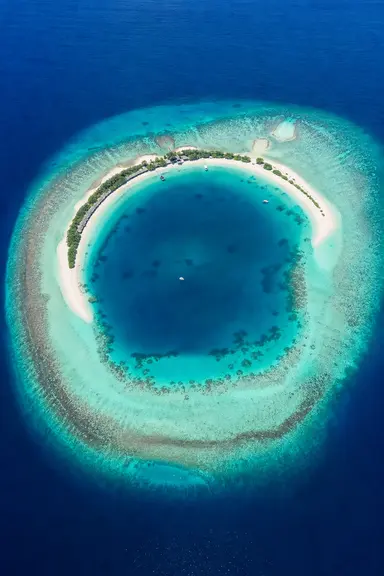
Snowy peaks, auroras, rice terraces, starry skies — in landscape or portrait format.
Describe a picture in your browser and start generating
118
prompts
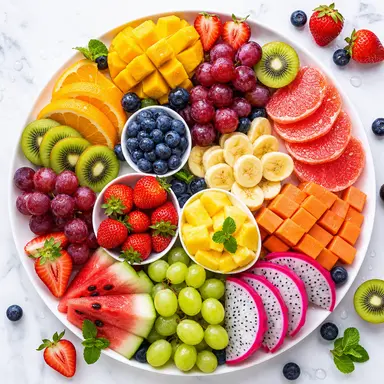
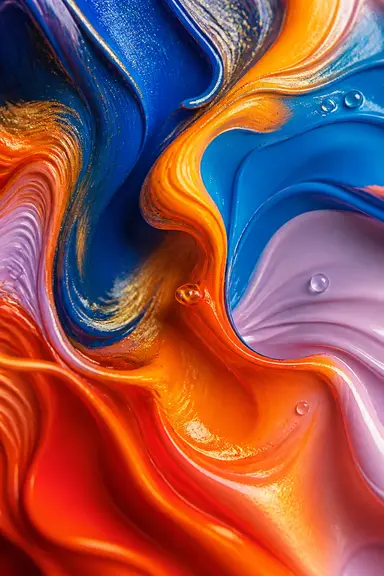
Every prompt comes with the image it produced, sorted by use, style and subject. Take one into the workbench and change a few words to make it yours.
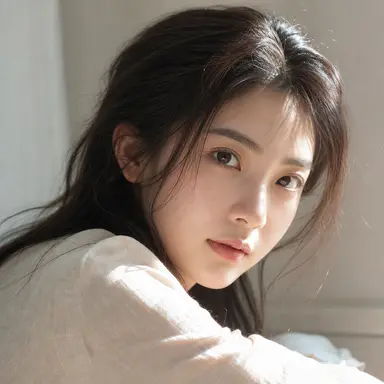
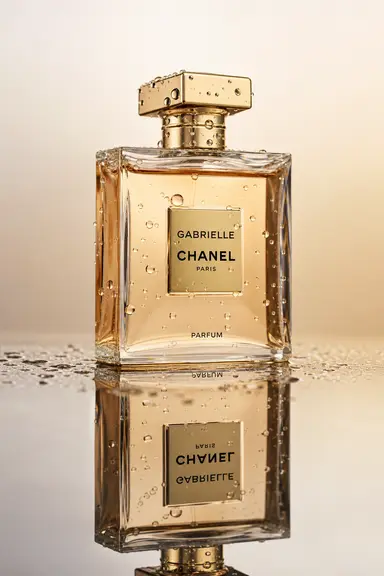
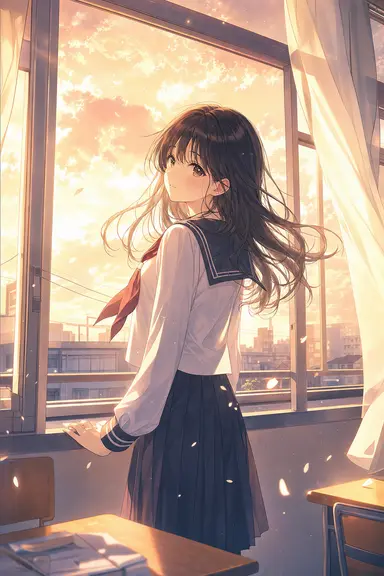
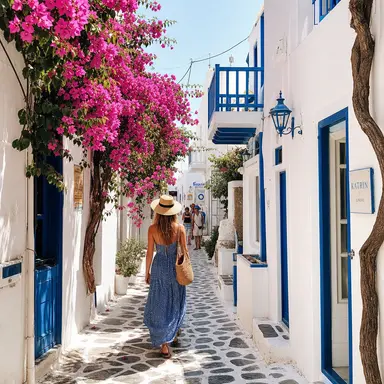
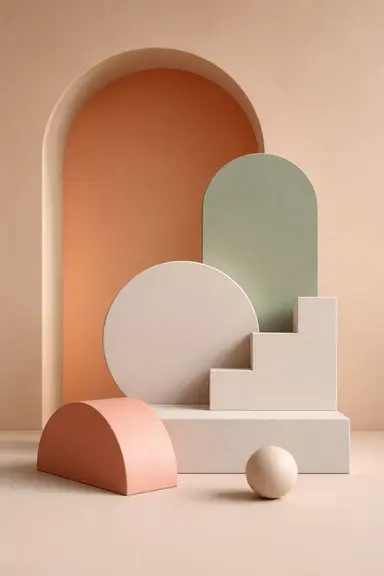
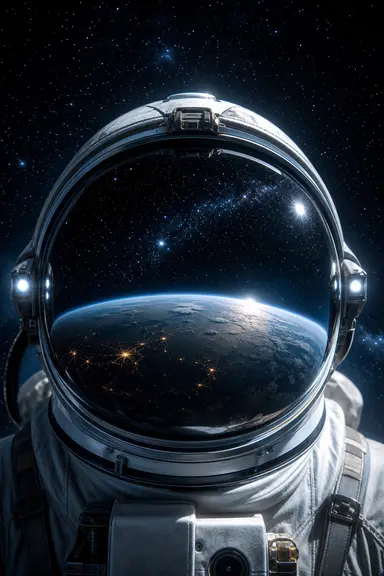
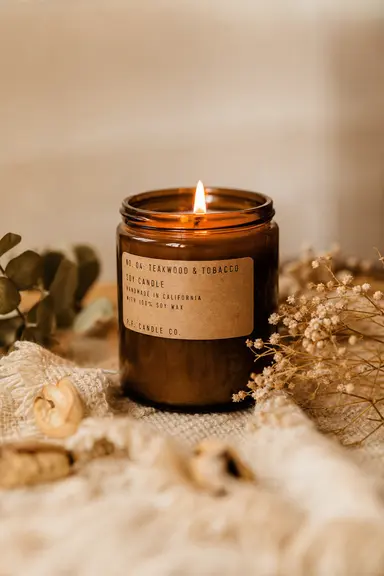
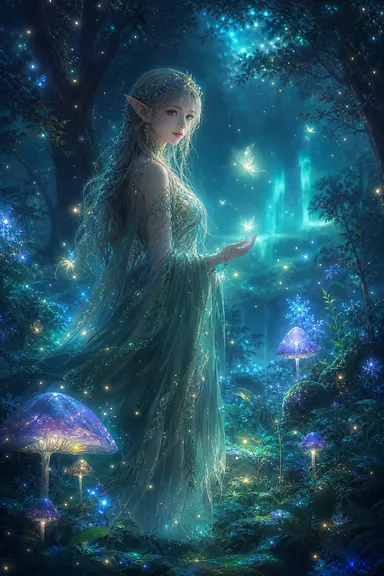

No settings to learn — just say what you want
A sentence or two about the subject, scene and style. To change an existing picture, upload up to 4 reference images.
Choose 1:1, 3:2 or 2:3. After you submit you can see your place in the queue and the elapsed time; an image usually takes 1–3 minutes.
Download the original if you like it, or keep describing what to change and build on that image.
Pay per image with credits, no subscription — failed images cost nothing
The workbench calls GPT Image 2 directly. The clearer you describe subject, light and composition, the closer the image gets.
Upload up to 4 reference images and say what to change — a new background, another style or a different pose.
If an image fails, times out or doesn't pass review, the credits are returned to your account automatically.
Once you're logged in, every image you generate is in My creations, where you can download the original.
Credits are charged per image — no subscription, no monthly fee. After you buy, you'll get a redemption code; enter it on the Redeem page to add the credits.
≈¥0.49/image
≈¥0.33/image
≈¥0.28/image
≈¥0.25/image
About generating images, credits and your creations
Log in, describe it in the workbench and hit Generate — the result usually arrives in 1–3 minutes.